AI Camera Apps: LPKG
Each LPKG you install adds one function to the camera. Recognition runs onboard, with no separate AI server.
Ways to Get LPKG
Use LILIN AI
Buy an AIDA license and install it.
AIDA recognition softwareBring Your Own AI
Convert a YOLO model with the online conversion tool, or write your own.
AIDev developer programCustom AI Development
Send your requirements. LILIN builds it as an LPKG.
Contact LILIN sales
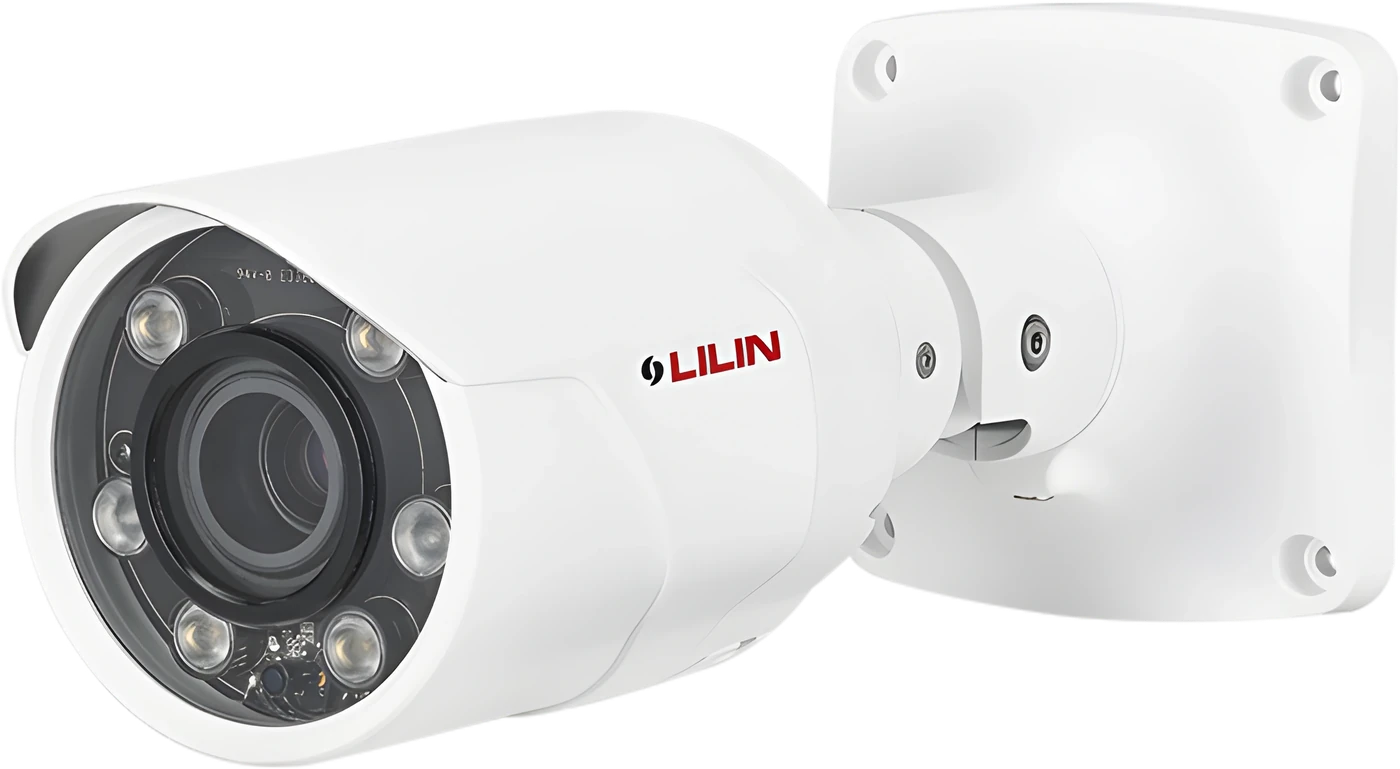
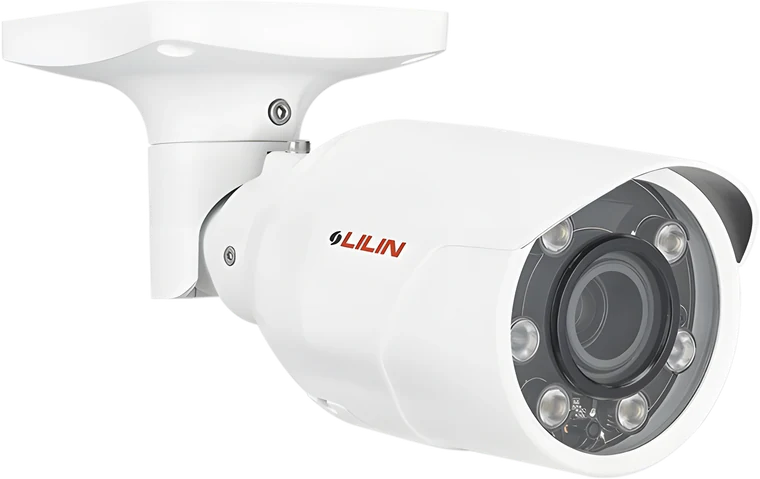 Camera
Available Functions
Each function is one LPKG. Images are illustrations.
Entrances and Perimeters
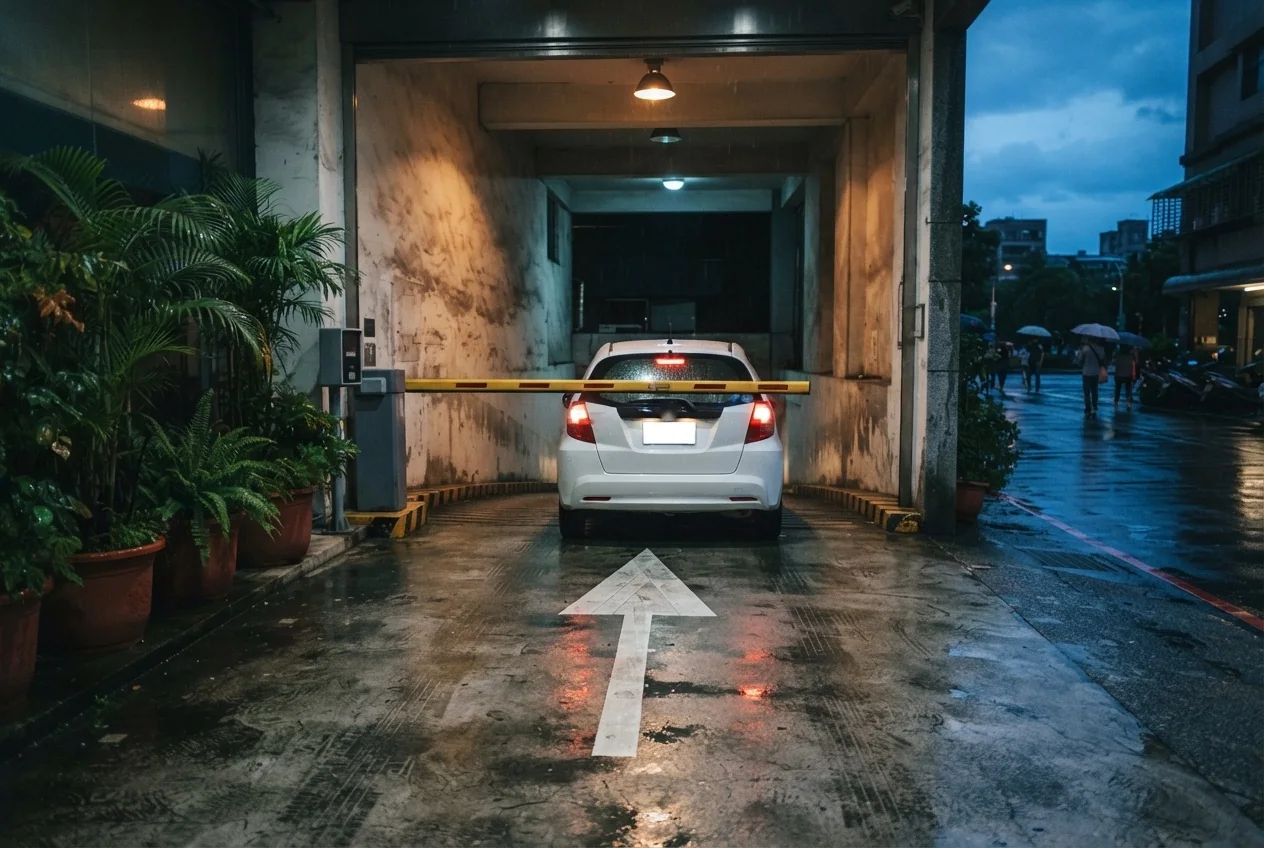 allowedIllustration
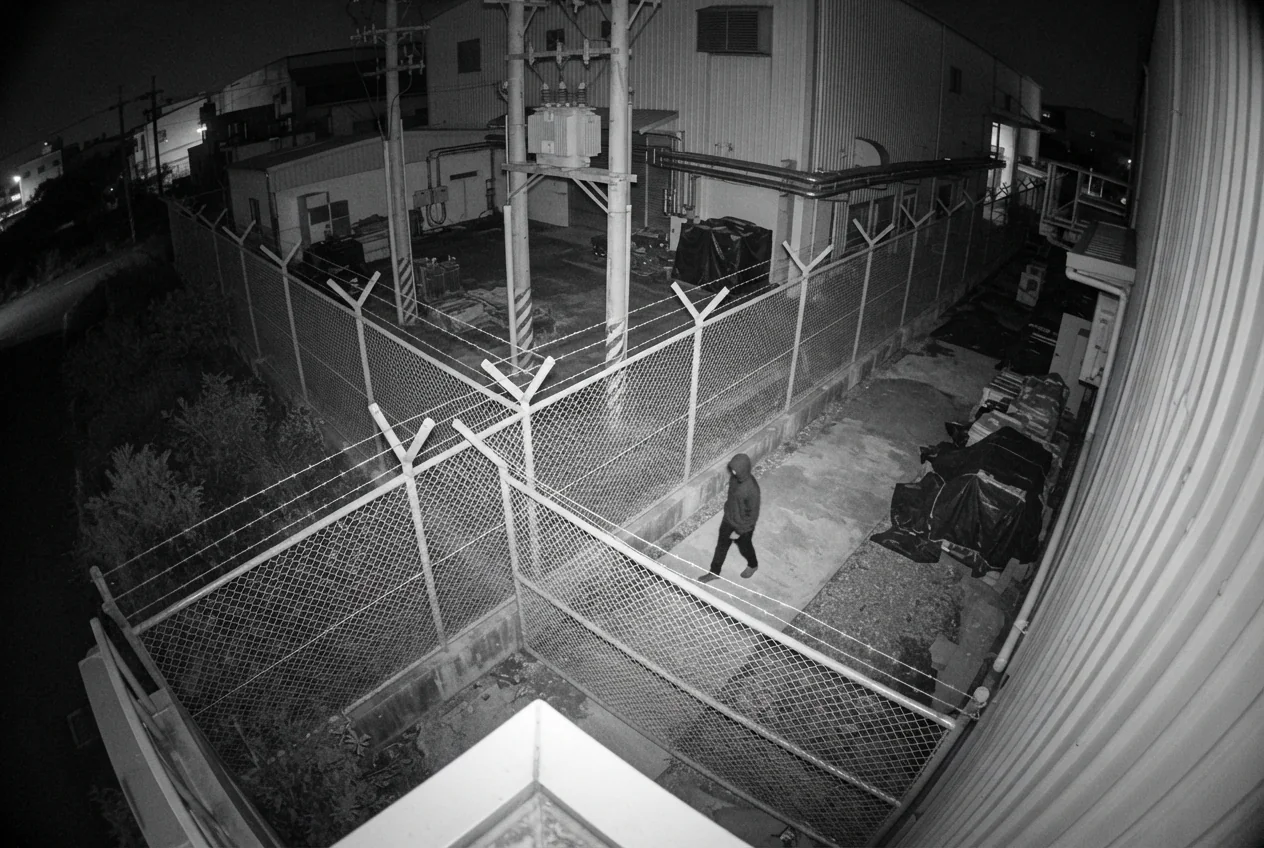 intrusionIllustration
 People 8Vehicles 2Illustration
Sites and Plants
 no PPEIllustration
 smokefireIllustration
Harbors and Live Streaming
 vesselvesselIllustration
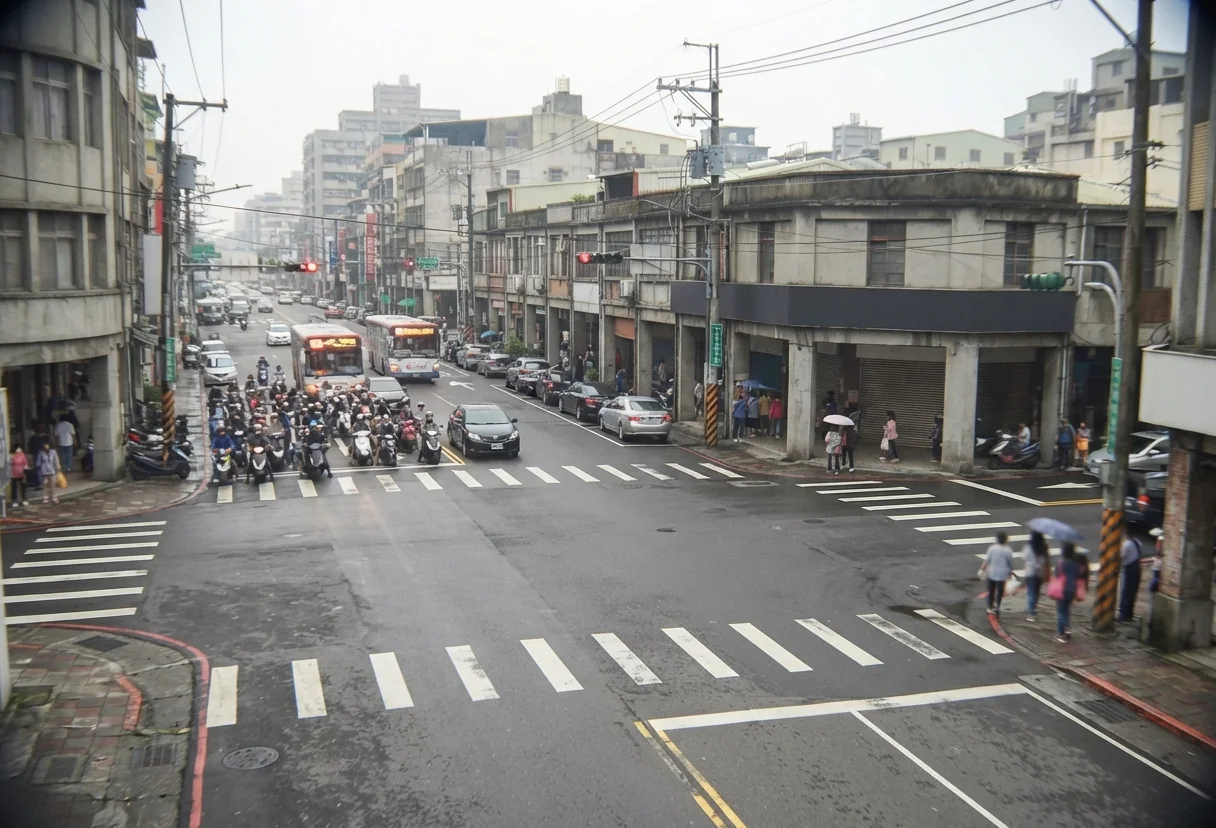 LIVEIllustration
Installation
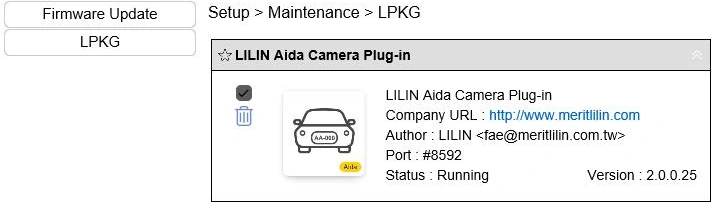
- Get the package file (.bin).
- Upload it under Maintenance > Firmware Update.
- Enable it on the LPKG page.
Licensing and Trials
LPKG installs on P6/P7, Z6/Z7, V1 and S7 series. By function:
- Plate, safety gear, fire, vesselZ7 and S7 series
- Counting, restricted areaZ7 and S7 series, P7G1182
- YouTube streaming7 series
- P6/Z6, V1 seriesown AI plug-ins; see the download center
AIDA and YouTube streaming need a license: try free for 30 days on the LILIN Cloud website, or contact LILIN sales to buy.
For developers: package format and start/stop commands
An LPKG package holds a JSON descriptor named LPKG.json, an installation script and the program files, packed into one .bin file. Field descriptions and packaging steps are on LILINOpenGitHub/LPKG.
{
  "name": "LILIN Aida Camera Plug-in",
  "description": "LILIN Aida Camera Plug-in",
  "homepage": "http://www.meritlilin.com",
  "keywords": [
    "gynet"
  ],
  "author": "LILIN <[email protected]>",
  "root": "/Aida",
  "root_data": "/Aida_data",
  "shell": "/Aida_data/aiengine",
  "port": "8592",
  "md5": "65142bd2198b3568803efdde6020b94e",
  "url_index": "/Aida/index.html",
  "url_icon": "/Aida/lilin.png",
  "version": "2.0.3.32-mod001"
}
curl -u "<user>:<password>" \
"http://<camera-ip>/maintenance?lpkg_start=<PluginName>"
curl -u "<user>:<password>" \
"http://<camera-ip>/maintenance?lpkg_stop=<PluginName>"