The Weak Point Is Often the Handoff
An installer commissions the cameras. A security team watches the video. IT operates the switches and firewalls. Months later, a critical firmware notice arrives and no one is certain who owns the response.
That gap matters because an IP camera remains an always-on computer after the installation crew leaves. It has credentials, network services, stored configuration, and access to video. A compromised camera may continue streaming normally, so a working picture is not evidence of a healthy device.
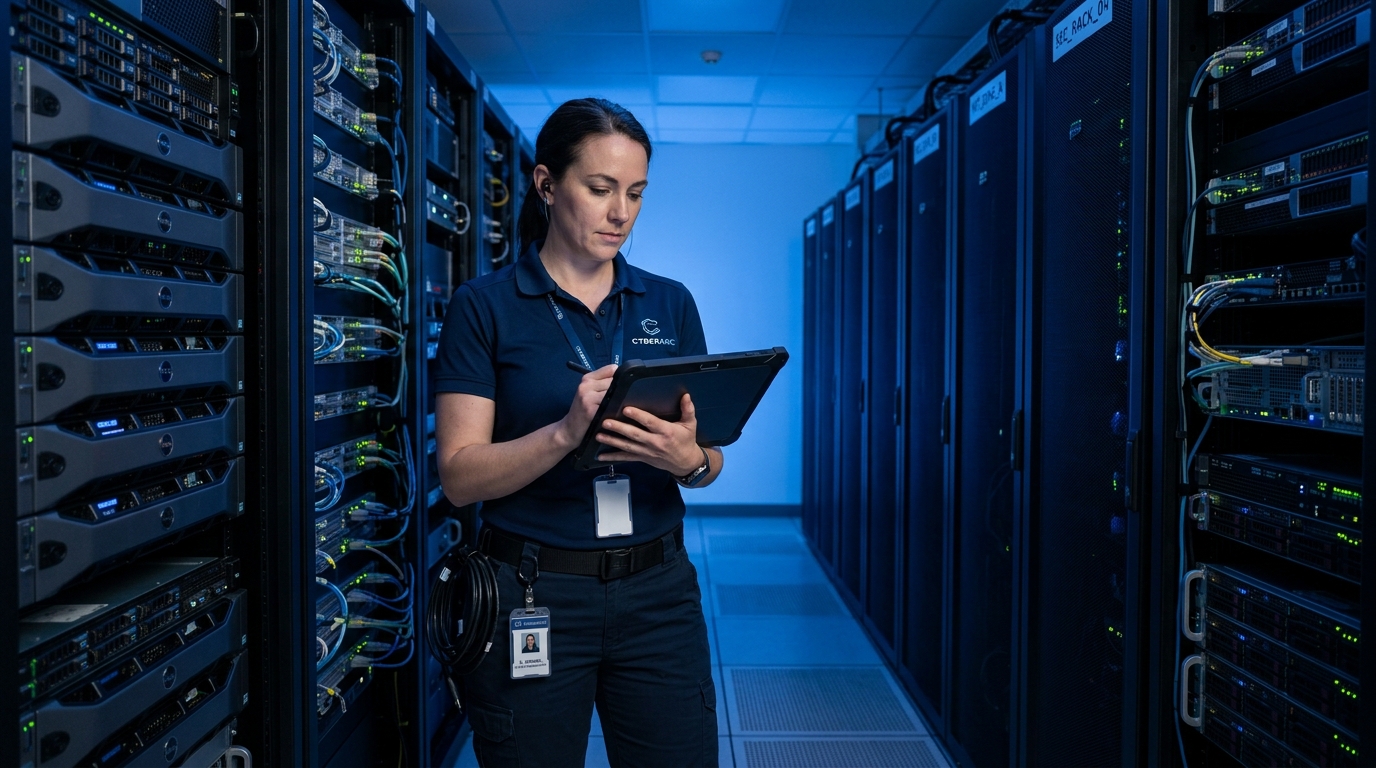
Ownership should be recorded before deployment closes. For every camera, keep the model, serial number, IP address, physical location, firmware version, support status, and named system owner in the asset register. The same record should show whether the device is reachable from outside the site and when the manufacturer ends security support.
Document the Traffic a Camera Actually Needs
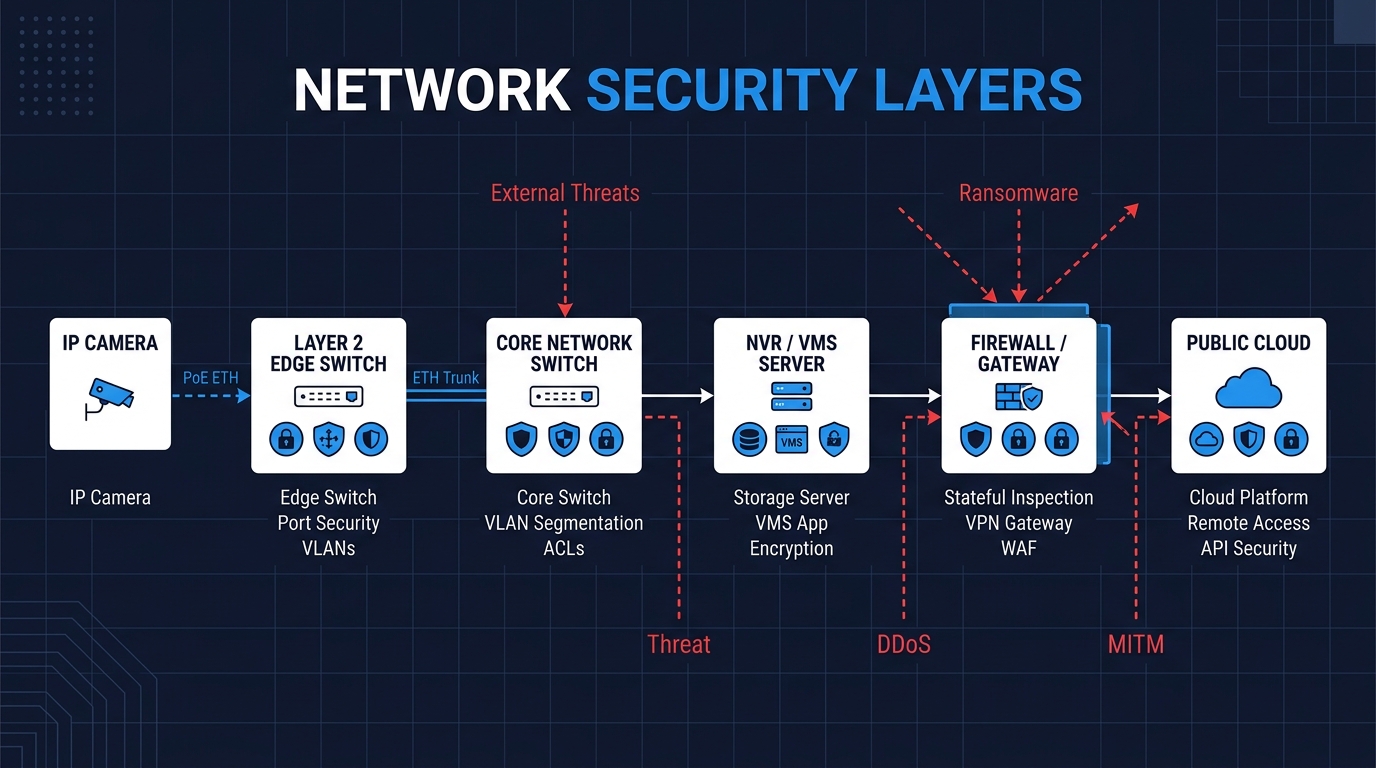
A useful firewall policy begins with expected behavior. Most cameras need to send video to a recorder or video management system. They may also contact an approved time server, DNS resolver, or manufacturer update service. That list is usually short enough to document.
Place surveillance devices on a dedicated network segment, then enforce the boundary with firewall rules or access control lists. A VLAN separates broadcast domains; it does not decide which systems may communicate across them. Rules should identify permitted sources, destinations, protocols, and ports. Direct public access to a camera management page or video stream should be removed unless a documented operational requirement justifies it.
Make Administrative Access Uneventful
Factory credentials must be replaced before a camera joins the production network. Give each device a unique credential, and use individual administrator accounts where the platform supports them. Shared accounts make it difficult to determine who changed a setting or exported video. Multi-factor authentication belongs on management portals and remote access services when available.
Review every enabled interface and service. UPnP, peer-to-peer remote access, anonymous viewing, Telnet, or an unencrypted web console should not remain active without a defined use. SSH, ONVIF, and RTSP require a more careful decision: recording and maintenance workflows may depend on them. Limit who can connect and from which management network instead of disabling a protocol solely because it appears on a generic checklist.
A Patch Is Useful Only If It Reaches the Camera
Firmware management needs an inventory query, a review cadence, and a deployment procedure. Obtain updates through the manufacturer’s official channel and use signature, certificate, or checksum verification when provided. Test the release on a representative device, preserve the configuration, and schedule the wider rollout so a failed update does not interrupt recording across the site.
The final date in the firmware plan is the end of support. A camera that no longer receives security fixes becomes harder to defend as new vulnerabilities are found. If network controls cannot reduce that exposure to an accepted level, replacement belongs in the budget before support expires.
Review the rules after deployment. Confirm that cameras can reach the recorder and other approved services, that office devices cannot open camera administration pages, and that remote maintenance enters through the organization’s controlled access path. Logs from the firewall, recorder, and management platform can then show failed logins, unexpected destinations, or a device that has stopped following its normal pattern.