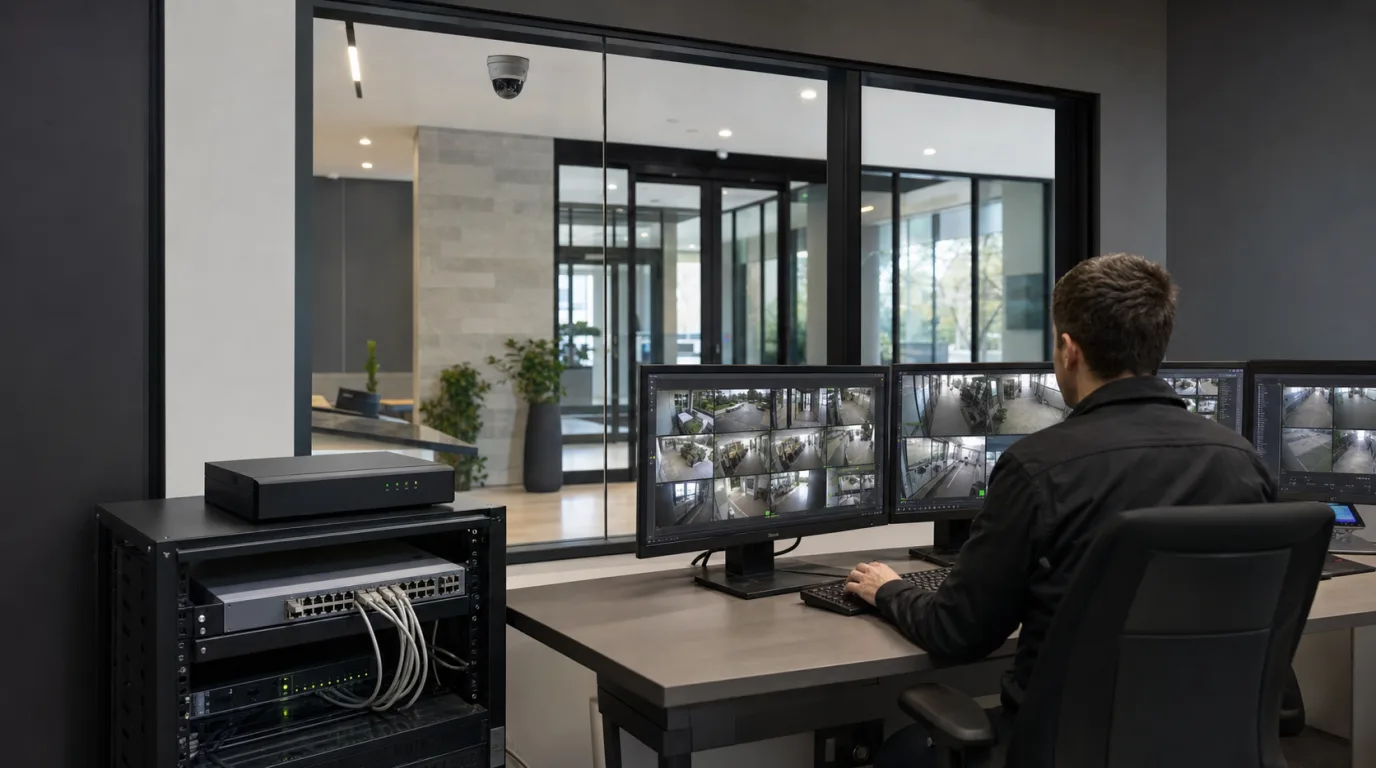
A safety team receives an alert for a missing hard hat. The clip shows a worker at the far edge of the frame, partly hidden by a door, with no clear view of the head. The model has produced a classification, but the recording cannot settle what happened. This is where many PPE deployments begin to disappoint. The camera was installed to watch an area, then asked to perform an inspection.
A reliable checkpoint is designed around the inspection itself. It gives the camera a predictable route, enough pixels on the equipment, several clear frames, and enough distance to respond before the worker reaches the controlled area.
Start with the field of view
Hard hats and high-visibility vests occupy fewer pixels as workers move farther from the camera. A 4K stream does not preserve all of that detail through the analytics pipeline. Inference commonly runs on a resized image, so the PPE item may be much smaller at the model input than it appears in the recorded stream.
Distance is only one part of the view. A doorway can hide the head at the exact point where a worker crosses the line. A cart may cover most of a vest. Backlighting can remove the contrast between a hard hat and the background, while a slow shutter leaves too few sharp frames when people enter quickly. Research using PPE images from active construction sites includes variation in worker distance, posture, and viewing angle because these conditions materially affect detection.
The most useful camera position is often a few metres before the restricted area, aimed along a defined pedestrian approach. Workers then remain visible for several frames with their upper bodies unobstructed. The controlled-area boundary can sit farther down the path, leaving room for the event to be confirmed and delivered.

Combine classification with location and time
A missing-hard-hat classification should not become an alert everywhere in the image. The event rule needs a location and a state change: a person enters the checkpoint zone, the required item remains absent across a short sequence of frames, and the person continues toward the controlled boundary. Someone sitting in the adjacent break area does not meet those conditions.
Confirmation across multiple frames absorbs brief occlusions. It also introduces time, which can be measured during commissioning. The useful figure is the interval from the worker entering the checkpoint to the event arriving at the operator station. Model inference is only one part of that interval. Frame sampling, rule confirmation, network transport, VMS processing, and the notification action all add time.
Each zone can carry its own PPE requirement. A loading entrance may require a vest and hard hat, while an enclosed machine area may add eye protection. The event should retain the camera, zone, missing item, and trigger time. Those fields turn a generic alarm into a record that can be reviewed later.
Put the event to work in the VMS
When the analytics event reaches the VMS with metadata, the system can index the associated recording instead of leaving operators to search a timeline. A supervisor can retrieve all missing-hard-hat events from one entrance, open the linked clips, and compare the same camera position across shifts. ONVIF Profile M defines the exchange of analytics metadata and events between devices or analytics services and clients such as a VMS.
The event can also open the live camera and a recording buffer that includes the seconds before the trigger. That context shows whether the worker had just removed a hard hat, was hidden by another person, or had entered from an unexpected direction. With digital output, relay control, or bidirectional audio, the checkpoint can activate a beacon or speaker at the entrance. These device I/O and audio functions are covered by ONVIF Profile T.
Commission the checkpoint with controlled passes
Use the same person and route for a short set of repeatable passes: fully equipped, hard hat carried by hand, vest partly covered, and a walk through the adjacent area without crossing the checkpoint. Repeat the passes in the lighting conditions expected during operation. The acceptance sheet should record the expected result, the event time, the VMS arrival time, the stored fields, the linked clip, and any beacon or speaker response.
The results point to different corrections. A missed hard hat with a small or blurred head calls for a closer view, more light, or a faster shutter. An alert from the break area belongs in the zone rule. A correct event with no searchable fields belongs in the VMS integration. If the beacon responds after the worker has passed the boundary, the checkpoint needs more distance. Each failed pass identifies a specific part of the system to change before the next run.