The Time Budget
An intrusion alert is useful for as long as a guard can still respond to it. That window is a time budget, and every stage of the pipeline spends from it: capture, transfer, decoding, inference, notification. Running the analysis on the camera removes the network round trip from the bill, which is why alarm-driven events, and anything that has to trigger equipment on site, tend to sit at the edge.
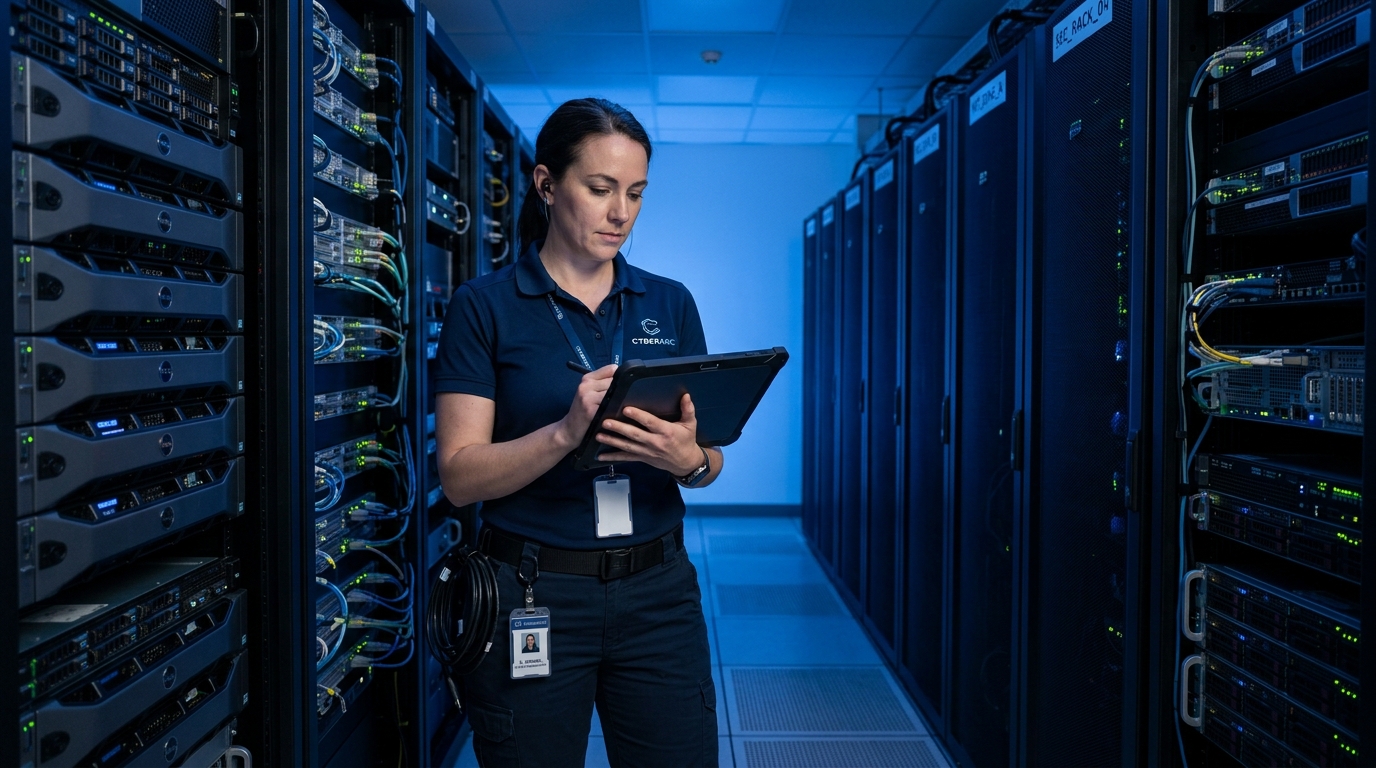
Edge processing is not automatically fast, though. Judgment time depends on the size of the model, the camera’s processor, the input resolution, and how many analytics run at the same time. On a central server the costs are different but just as real: an RTSP stream has to be decoded and rescaled before it reaches the model, and when many channels share one GPU, frames can wait for a batch slot. The inference time on a datasheet covers one segment of the journey from event to alarm, not the whole of it.
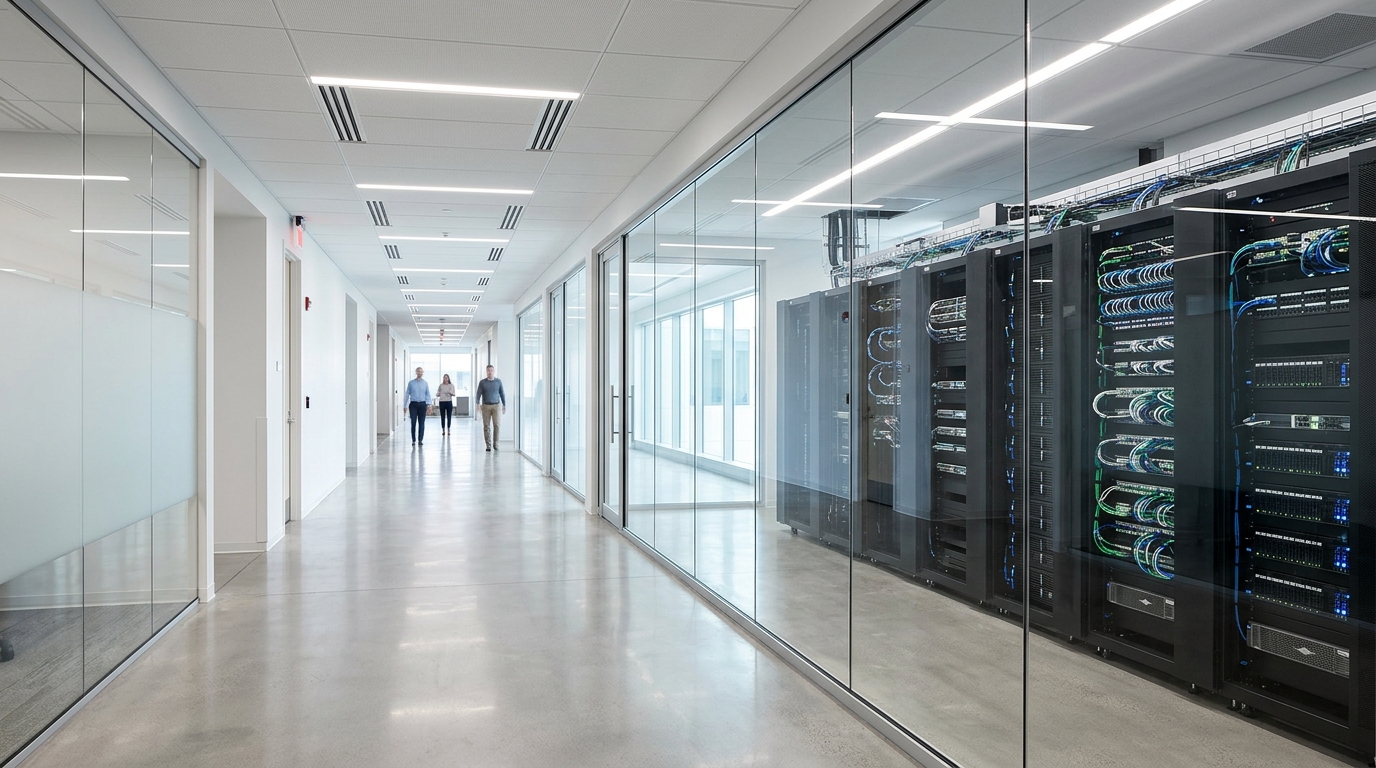
Central compute keeps real advantages. Models shared across many sites, event management, and searches that span months of data all scale more easily on a server or in the cloud. In exchange, bandwidth, link quality, and service capacity become design inputs.

When the Uplink Goes Down
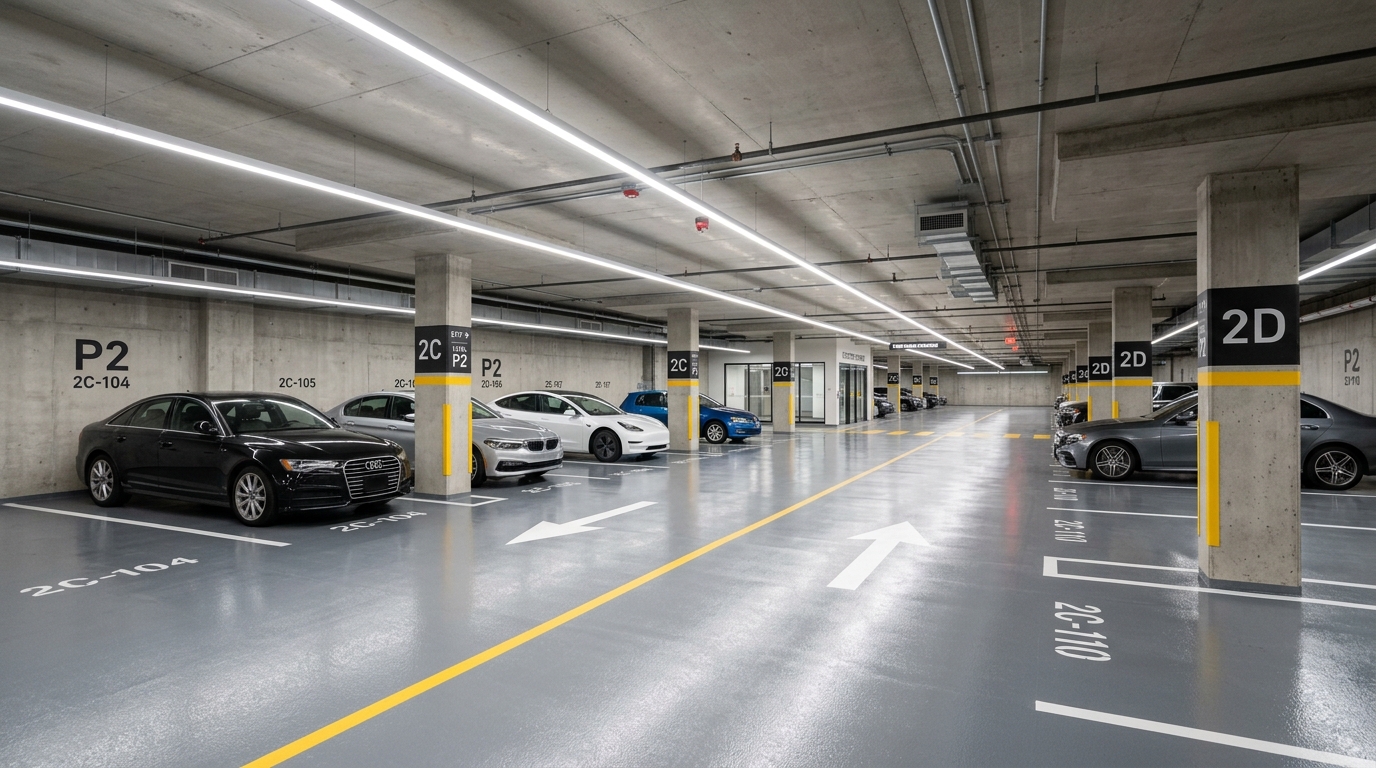
A hillside substation, an underground car park, a branch on another continent: not every site has a dependable uplink. Whatever must keep working through an outage has to live on site. If the camera is expected to keep detecting intrusions, saving events, and triggering local outputs while the link is down, those functions belong in the camera, with the event log syncing back once the connection returns.
ONVIF Profile M gives the camera a standard way to hand object classes, positions, and events to a VMS. Whether the main stream still flows to a recorder is a recording decision, made separately, so edge AI does not automatically shrink video traffic. The real figure waits on bitrate, frame rate, event clip length, and retention.
Some systems have the model read a low-resolution sub-stream and pull up the main stream when an event fires. Before committing to that layout, measure how many pixels are left on a distant person or a license plate after downscaling. A target smaller than the model’s working size passes through the frame undetected.
Running the model inside the camera also says little about where the footage travels. Recorders, backup storage, and remote viewing can all touch the raw video, so a privacy claim has to be checked against the actual data flow.
Draw the Data Flow First
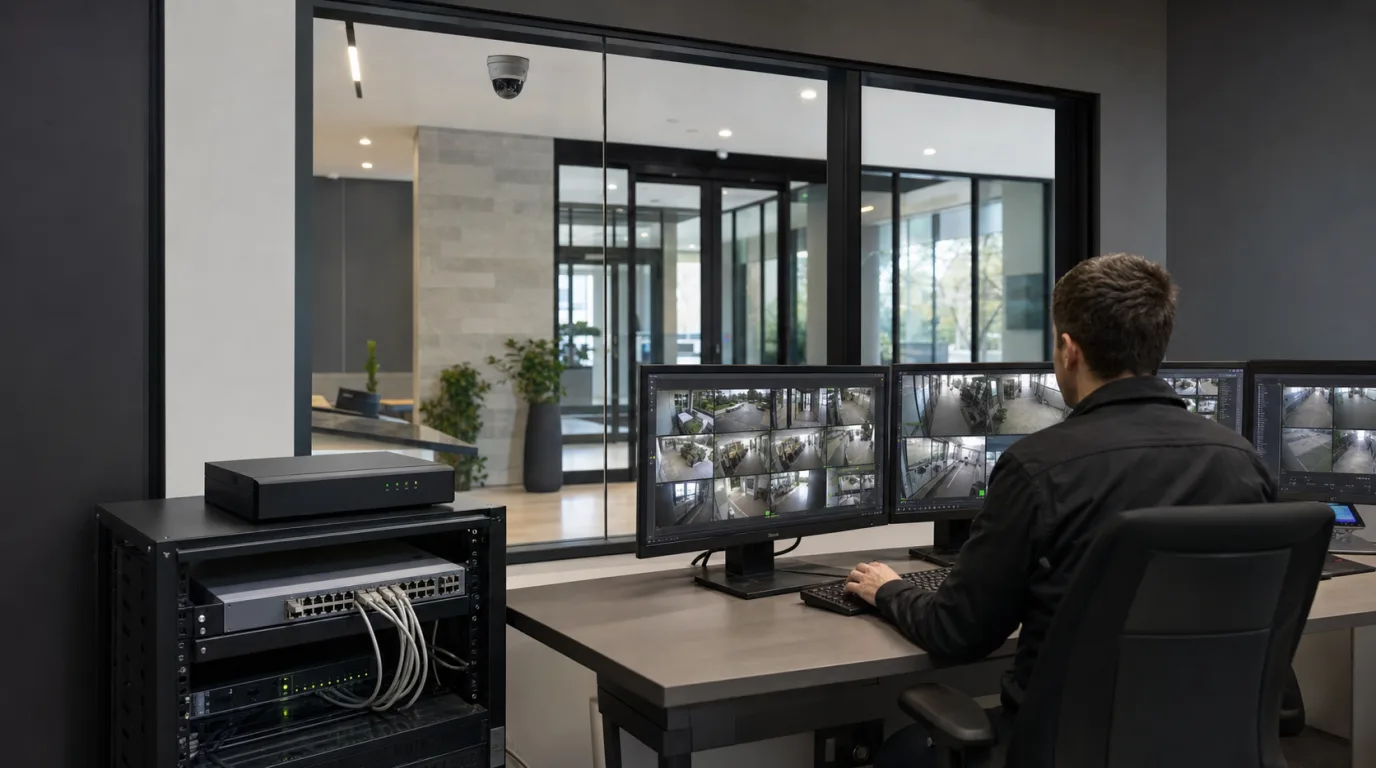
Few systems settle on a single compute location. A common split has the camera judging people and vehicle events, an on-site recorder keeping the video, and a management platform handling alarms, permissions, and cross-site search. The cloud sometimes does nothing more than device management, without ever receiving live video.
Planning starts with three marks on the diagram. Mark where raw footage is stored, which alerts carry a deadline, and what must survive offline. Fill in retention periods, camera counts, sites, and the bandwidth each site actually has, and the remaining choices are small ones: how much inference the cameras carry, how many streams the head end takes in, and which data is worth sending to the cloud.