A tracking number cannot search video by itself. Warehouse cameras file recordings by channel and time, while a warehouse management system records packages, scans and process steps. When those records stay in separate systems, an investigator still has to estimate where a shipment was at a particular hour and open cameras one by one.
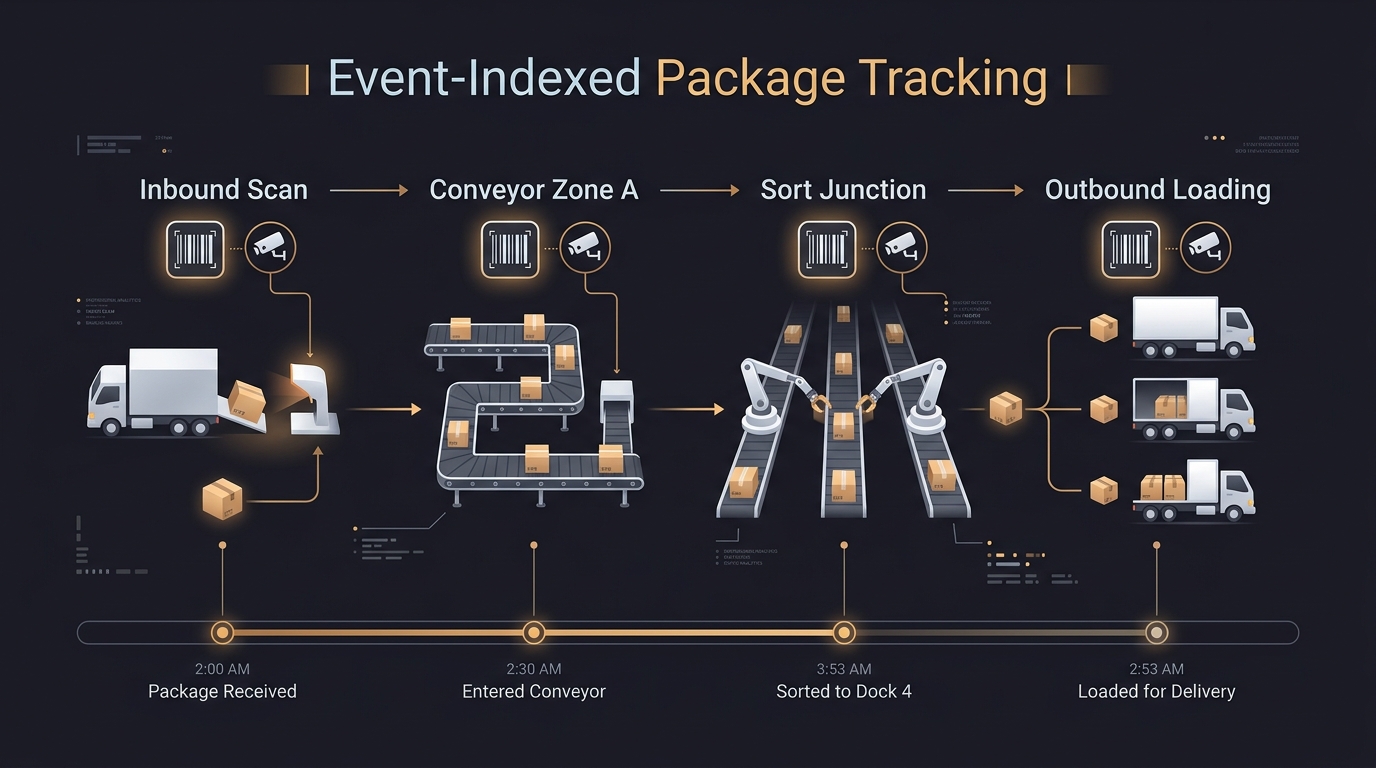
The investigation becomes much shorter when each scan is linked to a searchable video event. A receiving scan points to the camera above the inbound station, a sortation scan points to the relevant conveyor view, and a dispatch scan points to the loading area. Searching the shipment ID then returns a sequence of bookmarked recordings rather than an uninterrupted archive.
Four fields connect a scan to video
GS1 EPCIS describes supply-chain events through a practical set of questions: what object was involved, when the event occurred, where it was observed and what business context applied. For a warehouse video integration, that usually means a shipment or handling-unit ID, event time, read point and process step such as receiving, sorting or shipping.
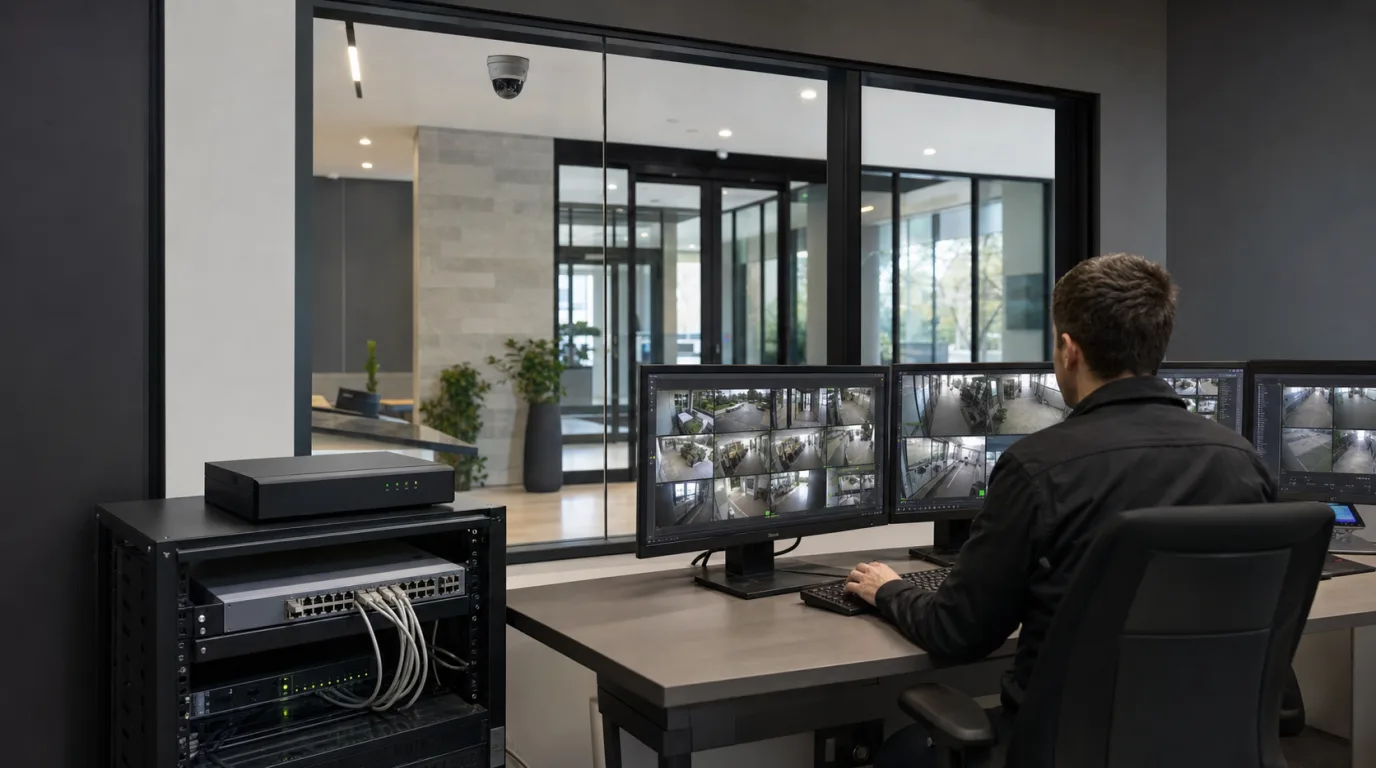
The scanner or WMS sends those fields to an integration service. The service resolves the read point to one or more camera channels, then asks the VMS to create a bookmark or searchable event around that time. The length of the associated clip is a site setting. A manual packing bench may need a wider window around the scan, while a fast conveyor may require a tightly tested offset to keep the correct carton in view.
ONVIF Profile M provides standardized interfaces for exchanging metadata and events with compatible video devices and clients. It can simplify the video side of an integration, but it does not define a warehouse's shipment fields or process rules. Those mappings still belong to the WMS, middleware and VMS integration.
A clock error becomes a search error
The scanner, WMS, cameras and recording servers should use a common NTP time source. If a scanner clock is twelve seconds behind the recorder, the bookmark may land on the next carton even though both systems appear to show a plausible timestamp.
The acceptable offset depends on dwell time. A package may remain at a manual station long enough to tolerate a small difference, but it can leave a conveyor camera's field of view within seconds. Commissioning should therefore include a physical test: scan a marked carton at normal operating speed, open the resulting event and compare the visible scan action with the event marker. Repeat the test at each type of workstation rather than assuming one offset works across the building.
Retention has to match the complaint cycle as well. A valid event record cannot recover footage that has already been overwritten. If claims commonly arrive after three weeks, a fourteen-day video archive leaves a predictable gap. Workflows for longer investigations should preserve or export the relevant clip when a case is opened, together with the shipment ID, event time and audit history.
Put usable views at the handoff points
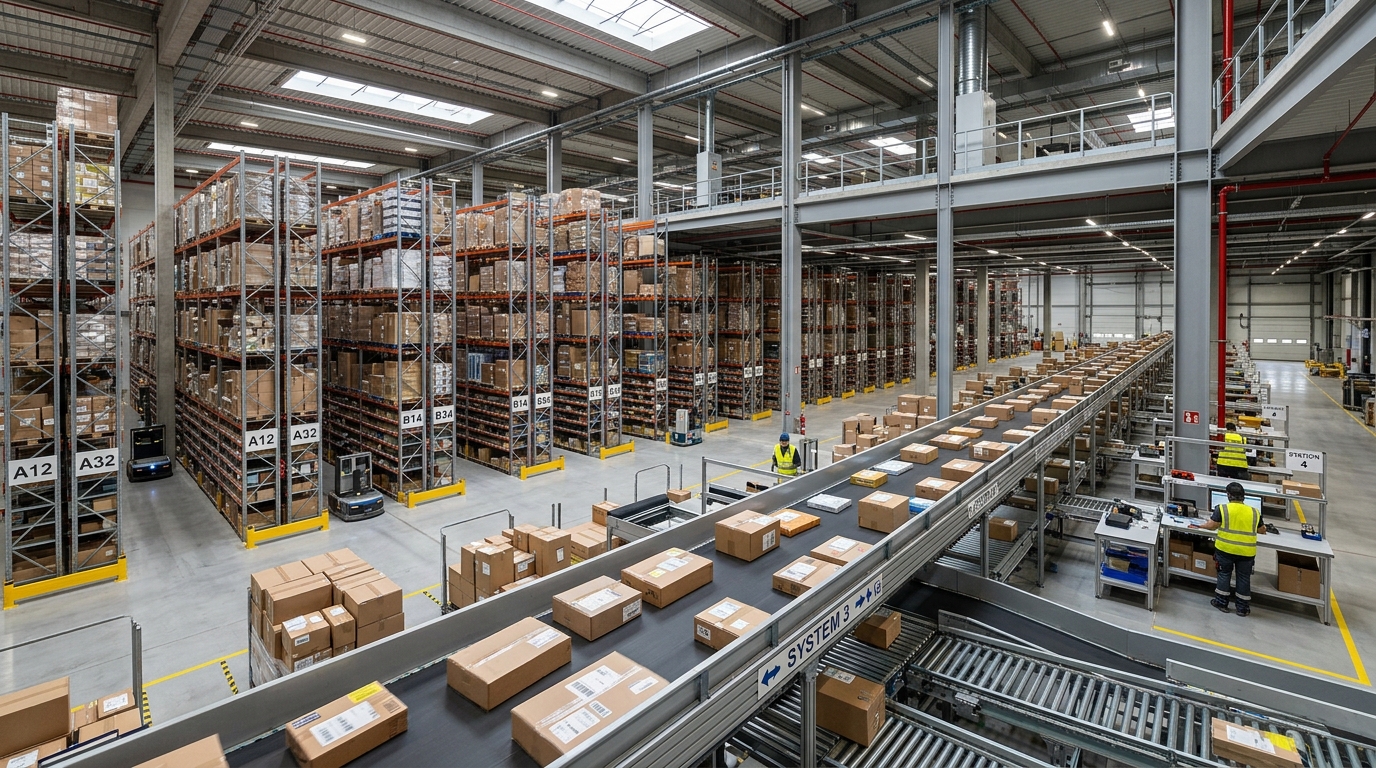
More camera coverage does not automatically produce better evidence. Damage and routing errors tend to become visible at handoff points: induction to a conveyor, manual sortation, temporary staging and loading. At a scan bench, the frame should show both the package and the handling action. On a conveyor, direction of travel has to remain clear when the video is paused and replayed.
Long rack aisles present a different problem. A panoramic camera can reduce gaps caused by shelving and corridor length, but the edge of a fisheye image carries less usable package detail. A closer, narrower view may be necessary where an investigator needs to distinguish a crushed corner, a torn label or the exact moment of a handoff. Camera selection begins with the question the recording must answer.
Closed cases create useful operational data
A scan proves that a package was observed at a location. It does not prove where damage occurred. That conclusion is added by the investigator after reviewing the sequence, which means the case record needs controlled fields for issue type, likely location and resolution.
Consistent closure data makes repeated failures visible. Several misroutes tied to one sortation station, or damage reports clustered around one conveyor section, give an operations team a focused set of recordings to review. Free-text labels make that comparison difficult because different investigators describe the same fault in different ways.
Video tracking is useful here for a narrow reason: it gives an investigator a defensible place to begin. A shipment ID opens the relevant handoff points, so the investigator can begin with the recorded events instead of searching three days of video camera by camera.